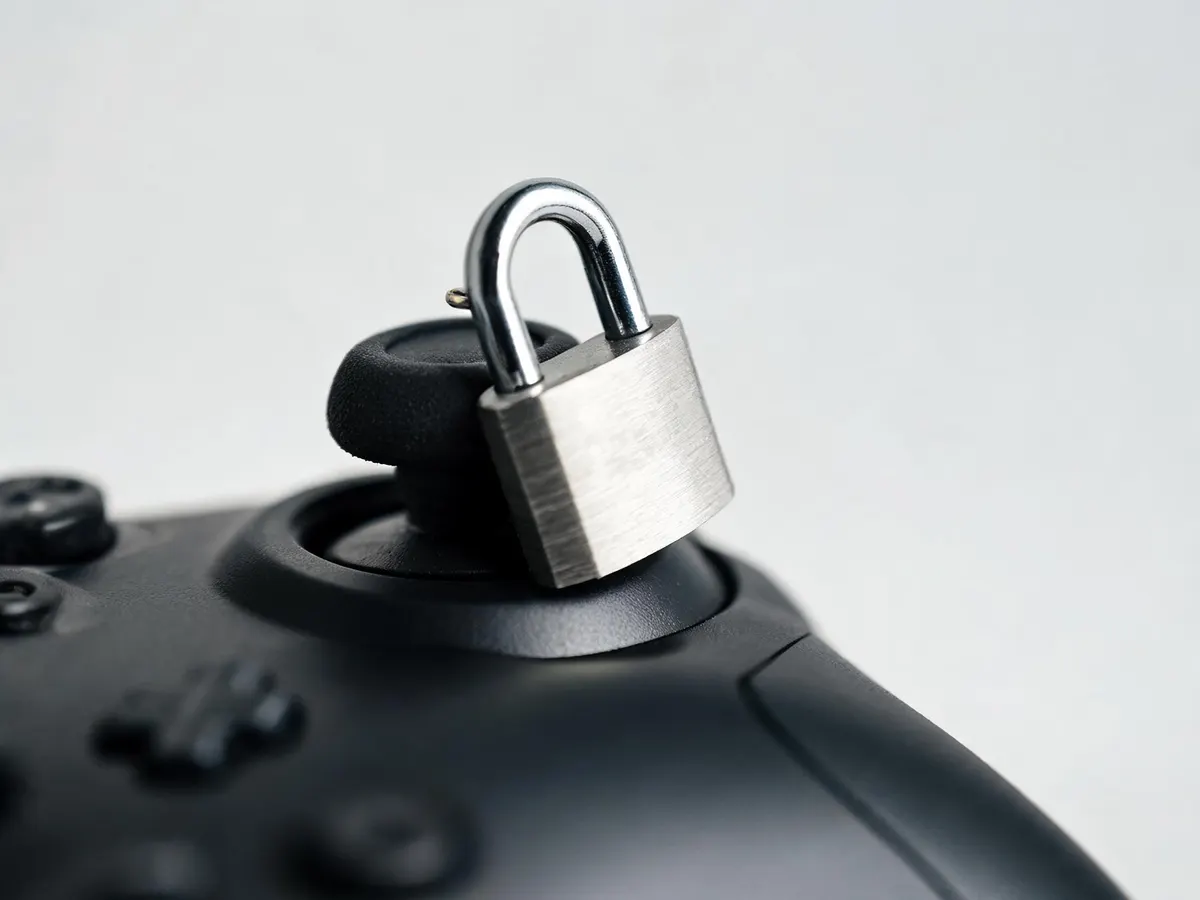
Why login problems usually trace back to setup, not bad luck
Most people only think about their gaming account login when something goes wrong — a password stops working, a verification code never shows up, or a session gets kicked out mid-play. The annoying part is that almost all of these issues were baked in months earlier, at account creation, when everyone’s instinct is to rush through setup and get straight to the game.
Start with a password you can actually remember without reusing it
Telling someone to “use a strong password” barely means anything anymore; it’s been said so many times it just slides past. The part that actually matters is this: a strong password only helps if it’s also unique to that one account. Password managers exist for exactly this reason, and most browsers now build one in for free, no extra download needed. If you’re still typing the same password with a “1” swapped for a different digit across five different sites, you don’t really have five passwords — you have one password wearing different outfits. Studies on password reuse show it meaningfully raises the odds of credential stuffing and account takeover the moment any one of those sites gets breached.
A decent pattern is three unrelated words plus a number and a symbol — something like lantern-cobalt-drift-42!. It’s long enough to resist brute-force guessing and doesn’t lean on personal details someone could pull off a social media profile.
Two-factor authentication is annoying until the day it saves you
Adding a second verification step — an SMS code, an authenticator app, an email confirmation — tacks maybe fifteen seconds onto your login. In return, Microsoft’s own research puts it at blocking over 99.9 percent of automated account-takeover attempts, since an attacker now needs your password and your phone or app, not just one of those. Authenticator apps tend to be considered more reliable than SMS, since text messages can be intercepted or delayed, but honestly, any second factor beats none.
If a platform offers 2FA and you’ve been putting it off, that’s the single highest-impact change you can make to your account security today. It genuinely takes less time to turn on than it took to read this paragraph.
Keep your recovery details current
Recovery email addresses and phone numbers are the classic set-it-and-forget-it item. Two years pass, you’ve switched carriers and abandoned that old inbox, and suddenly you’re locked out with no way back in. Once or twice a year, go check that the recovery contact on file for the accounts you actually use still belongs to you. It’s a five-minute chore that saves you from a genuinely miserable support ticket down the line.
Watch for the login page that isn’t quite right
Phishing pages built to mimic a login screen have gotten disturbingly good. The URL is close but not exact, the layout is off by a pixel or two, or there’s a strange redirect before a password field even loads. A few habits will catch most of these:
- Bookmark the real login page instead of clicking links from emails or messages.
- Check that the address bar shows the correct domain, not a lookalike with extra characters.
- Be suspicious of urgency (“your account will be suspended in 24 hours”) pushing you to log in immediately from an unfamiliar link.
If you ever land on a login page that feels even slightly off, just close the tab and go to the site directly instead of typing anything in.
Session management matters more than people think
Most platforms let you view active sessions and log out of devices remotely, though it’s usually tucked away somewhere in account settings. If you’ve ever logged in on a friend’s phone, a hotel computer, or a shared laptop, it’s worth glancing at that list now and then and closing anything you don’t recognise. Leaving a session open on a device you no longer control is one of the more common ways accounts get accessed without anyone ever stealing a password.
Where this applies beyond the obvious accounts
Everything above holds regardless of what the account is for, but it carries a bit more weight for anything tied to money. Betting and gaming platforms are an obvious example, since a compromised login there can mean unauthorised transactions instead of just an awkward message posted from your account. For adults who play online games real money titles on licensed platforms, the same security basics apply, plus a couple of gambling-specific habits worth adding: setting deposit or session limits where the platform allows it, and never sharing login details even with people you trust. Treat any real-money account with the same caution you’d give a banking app, because functionally, that’s exactly what it is.
A short checklist worth revisiting
- Unique password per account, ideally through a password manager
- Two-factor authentication turned on wherever it’s offered
- Recovery email and phone number checked at least annually
- Bookmarked login pages instead of clicking through emails
- Active sessions reviewed and logged out on unfamiliar devices
None of this is complicated, and none of it takes long once it’s actually set up. The accounts that get compromised are rarely the ones with unbreakable passwords and cutting-edge security. They’re the ones where basic maintenance got skipped for a year or two, and the gap just sat there waiting for someone to notice it.